
Find Half-Life 2: Lost Coast teammates on Playro
Match with Half-Life 2: Lost Coast players by platform, language, mic and vibe — then chat and squad up in seconds. Free to join.
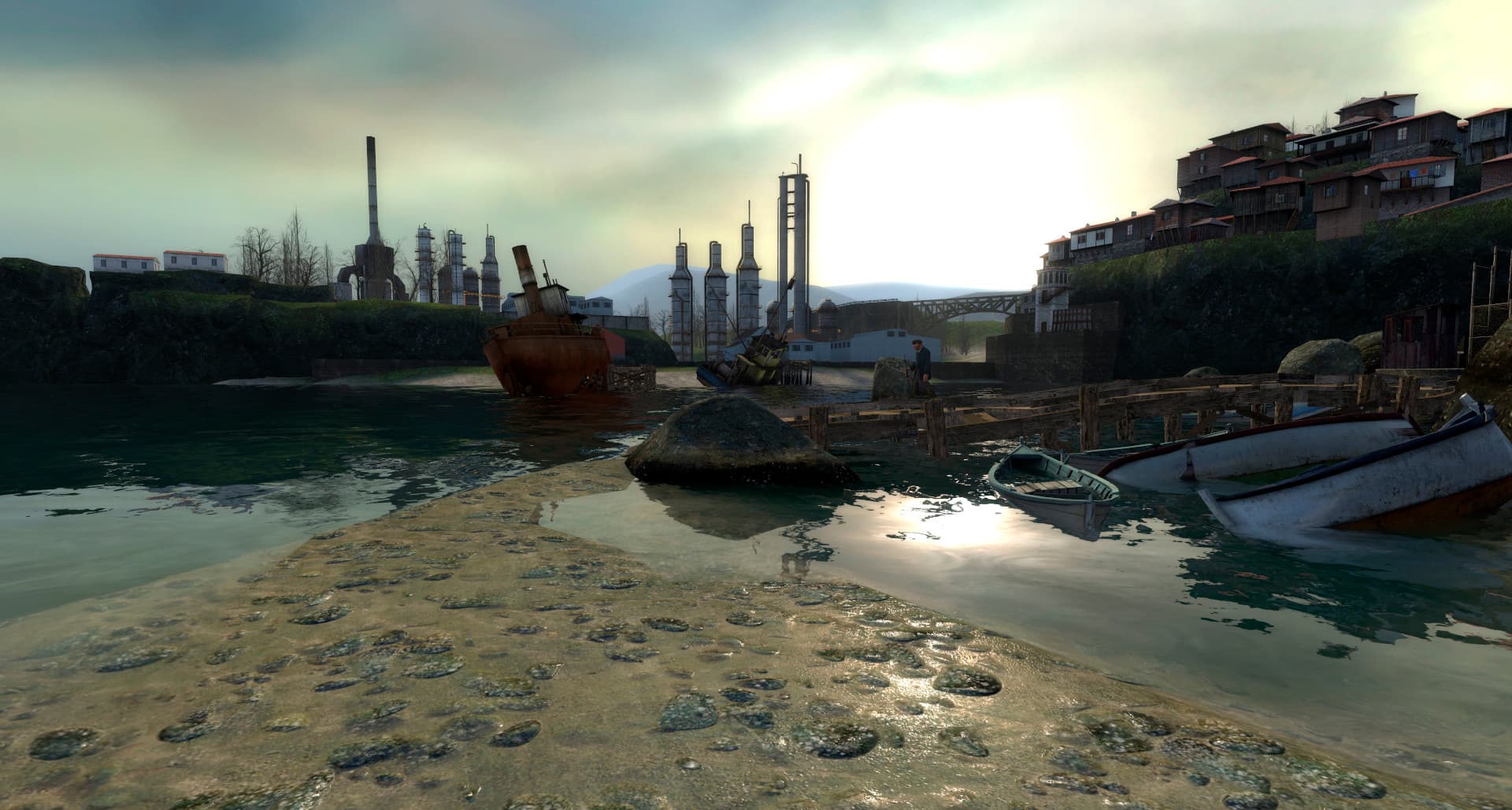 Half-Life 2: Lost Coast
How Playro works for Half-Life 2: Lost Coast
Create your free profile
Sign up in seconds and add Half-Life 2: Lost Coast to your games.
Match with players
Playro surfaces Half-Life 2: Lost Coast players by platform, language, mic and region.
Squad up & chat
Send an invite, chat in real time, and jump into your next match.
About Half-Life 2: Lost Coast
Essentially a tech demo, “Half-Life 2: Lost Coast” sole purpose was to show off the new high-dynamic-range-rendering of the Source engine, it was a welcome addition to the franchise. It’s a free addition to the game that can be downloaded through Steam by the owners of Half-Life 2. Gordon Freeman founds himself near a group of decaying pi
- Genres
- Action
- Platforms
- PC, Apple Macintosh, Linux
- Released
- 2005-10-27
Finding Half-Life 2: Lost Coast teammates — FAQ
How do I find Half-Life 2: Lost Coast players on Playro?+
Create a free account, add Half-Life 2: Lost Coast to your profile, and Playro matches you with compatible players who are online now — filter by platform, language, mic and region, then chat and squad up.
Is Playro free for Half-Life 2: Lost Coast?+
Yes. Finding Half-Life 2: Lost Coast teammates, chatting and squading up is completely free — no credit card and no download required. It works in your browser and on the mobile app.
Can I use the same account on mobile?+
Absolutely. Your Playro account, friends and chats sync between the web and the Google Play app — sign up once on either and pick up right where you left off.